Sway
Sway is your quiet daily space to find yourself.
Sway brings your breathing, reflections, intentional practices, and progress into one quiet daily space.
Inside Sway
Let's take a closer look.
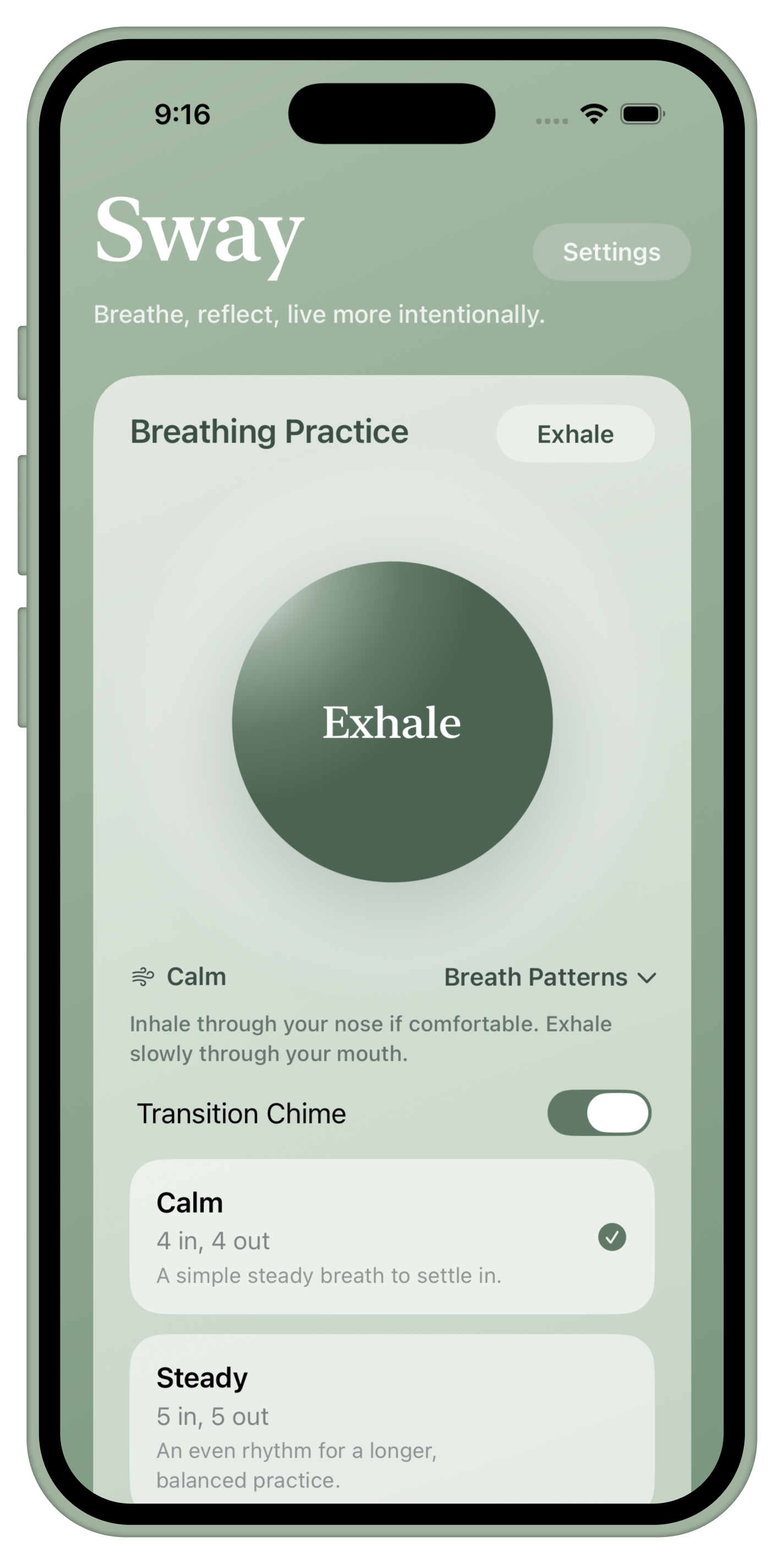
Breathing Practice
Pause without making the moment complicated.
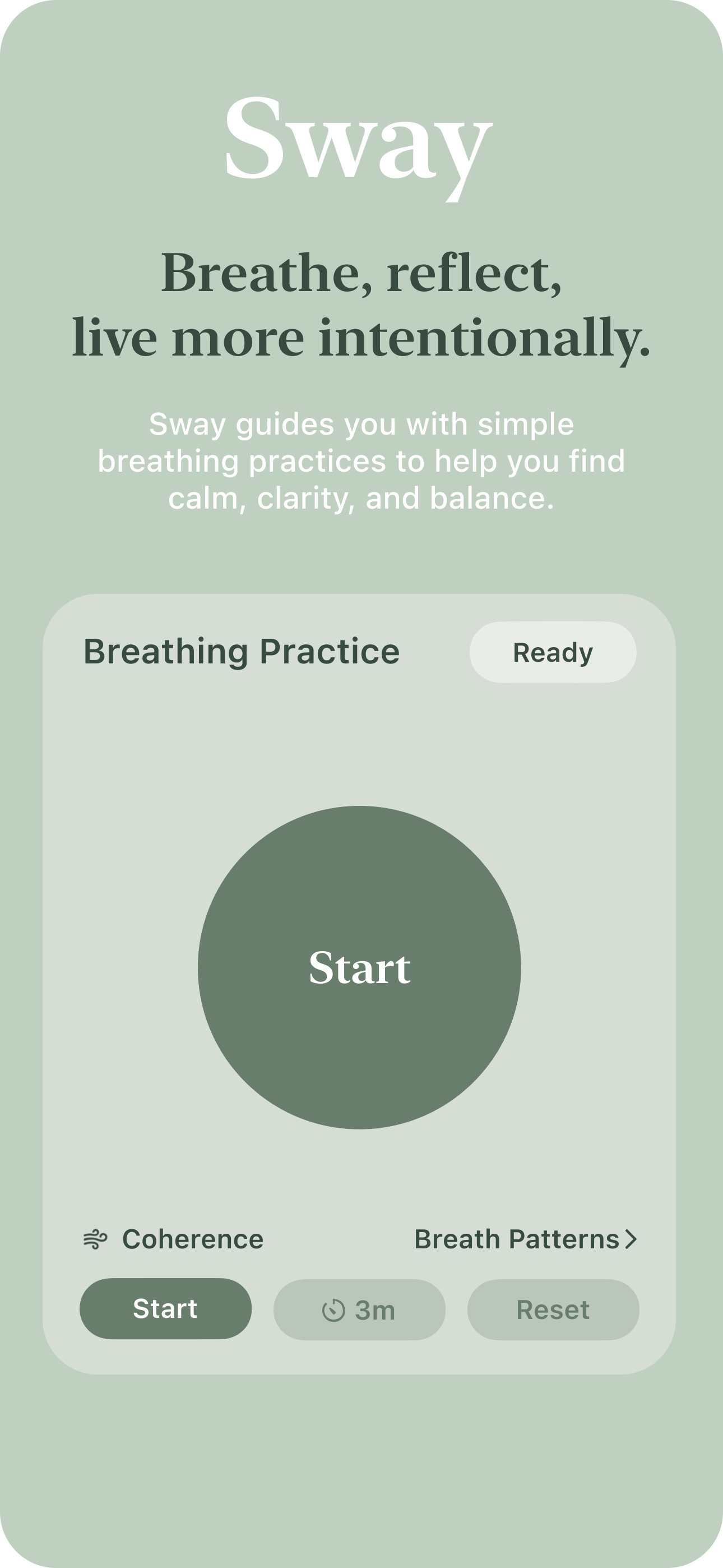
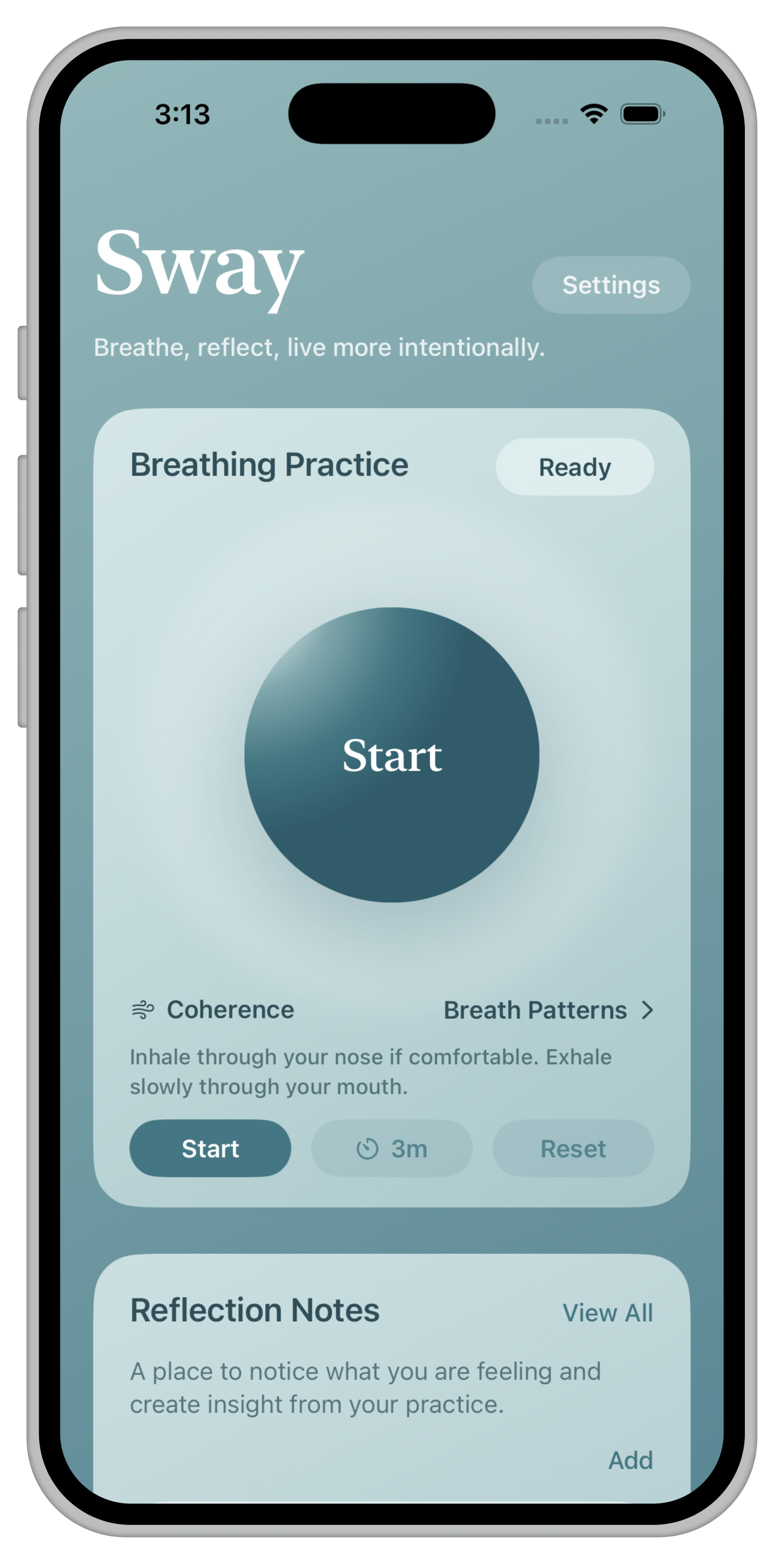
Choose a pattern, set a timer, and follow a simple visual rhythm. Sway gives you space to pause without making the moment complicated.
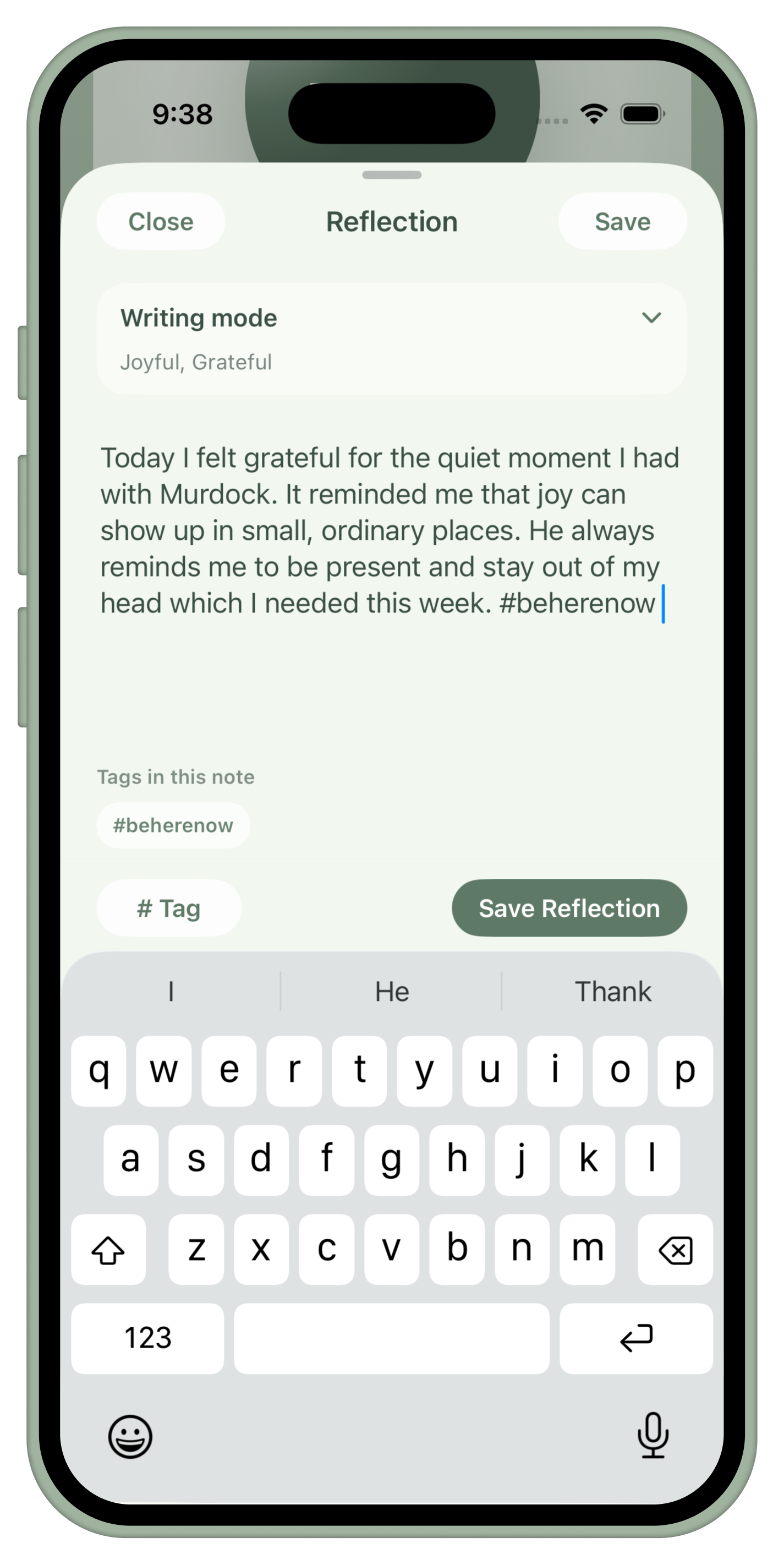
Reflection Notes
A private place for what keeps coming up.
Reflection Notes give you a private place to name what you are feeling, write freely, and build a record of what keeps coming up.
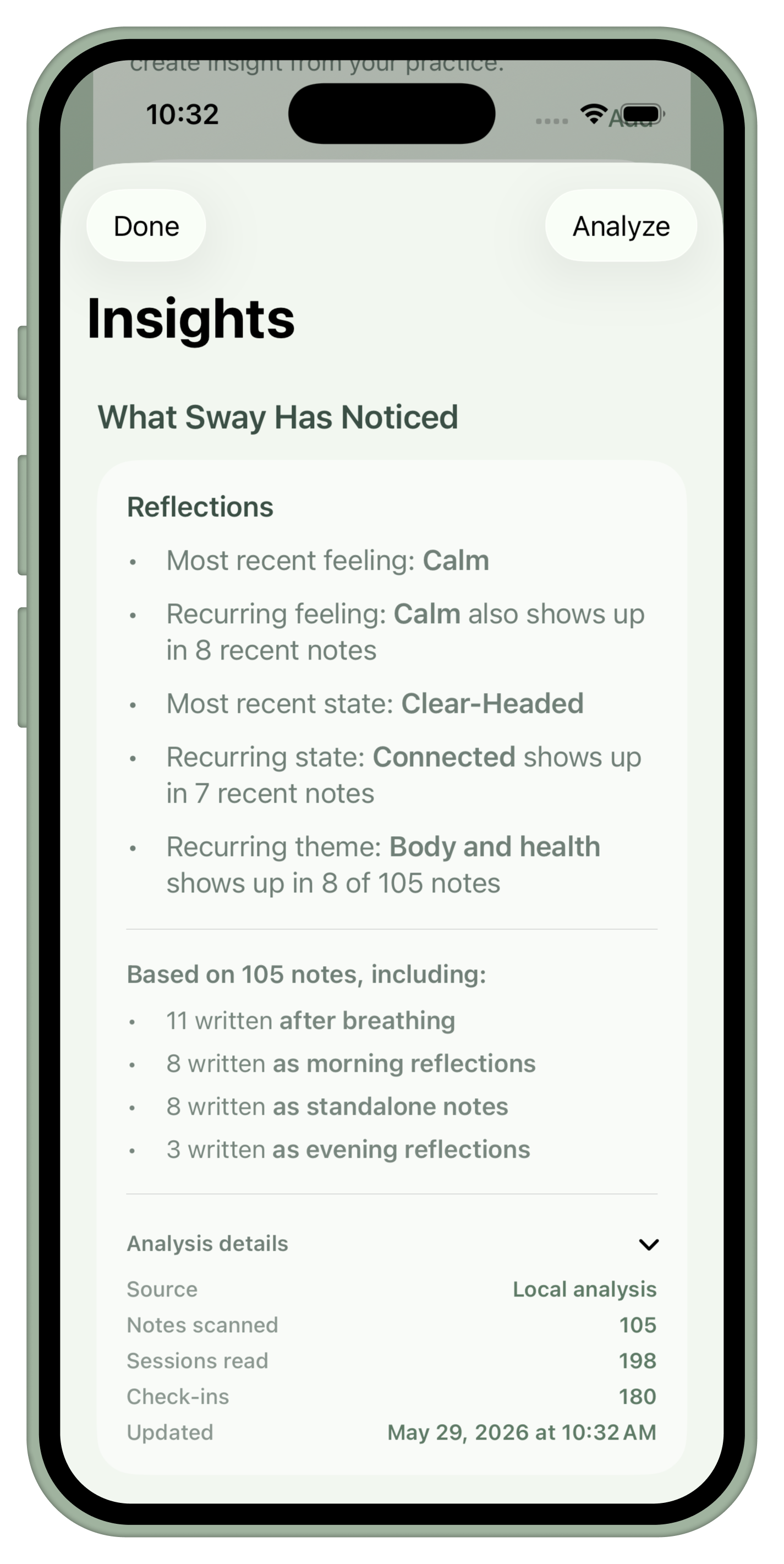
Insights
Gentle patterns from what is already saved.
When you have enough notes and sessions, Sway can help surface gentle patterns from what you have already saved.
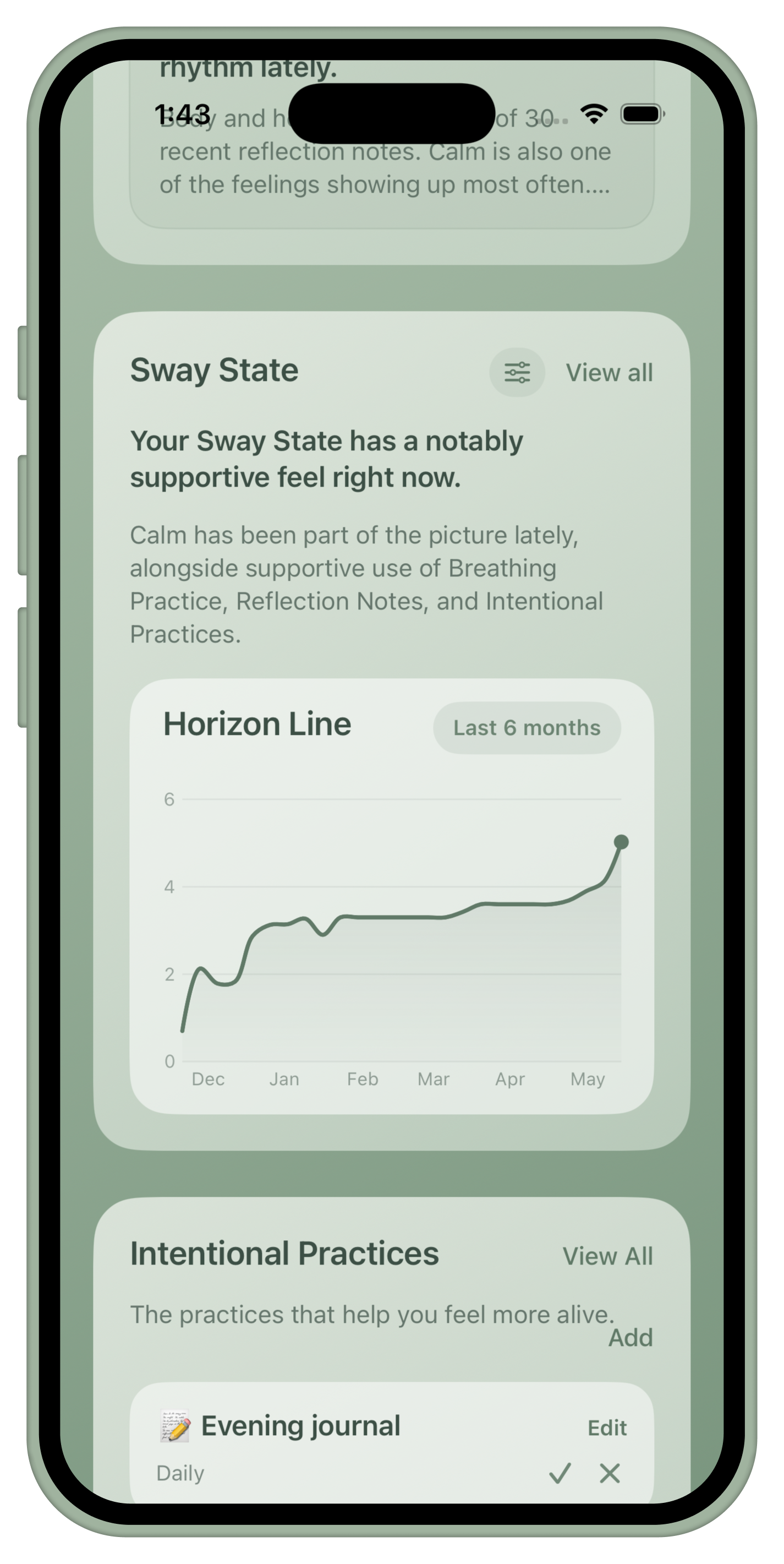
Sway State
A recent picture, not a grade.
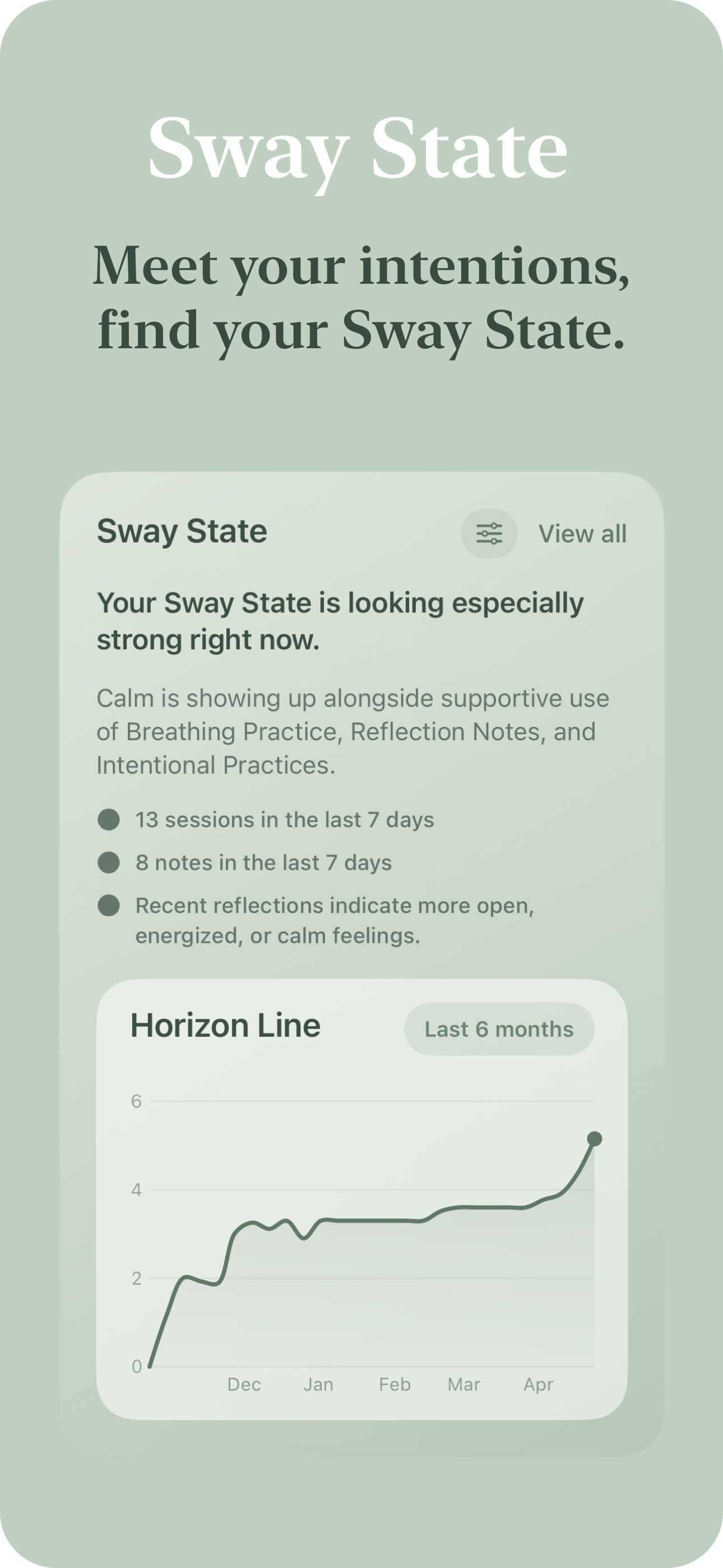
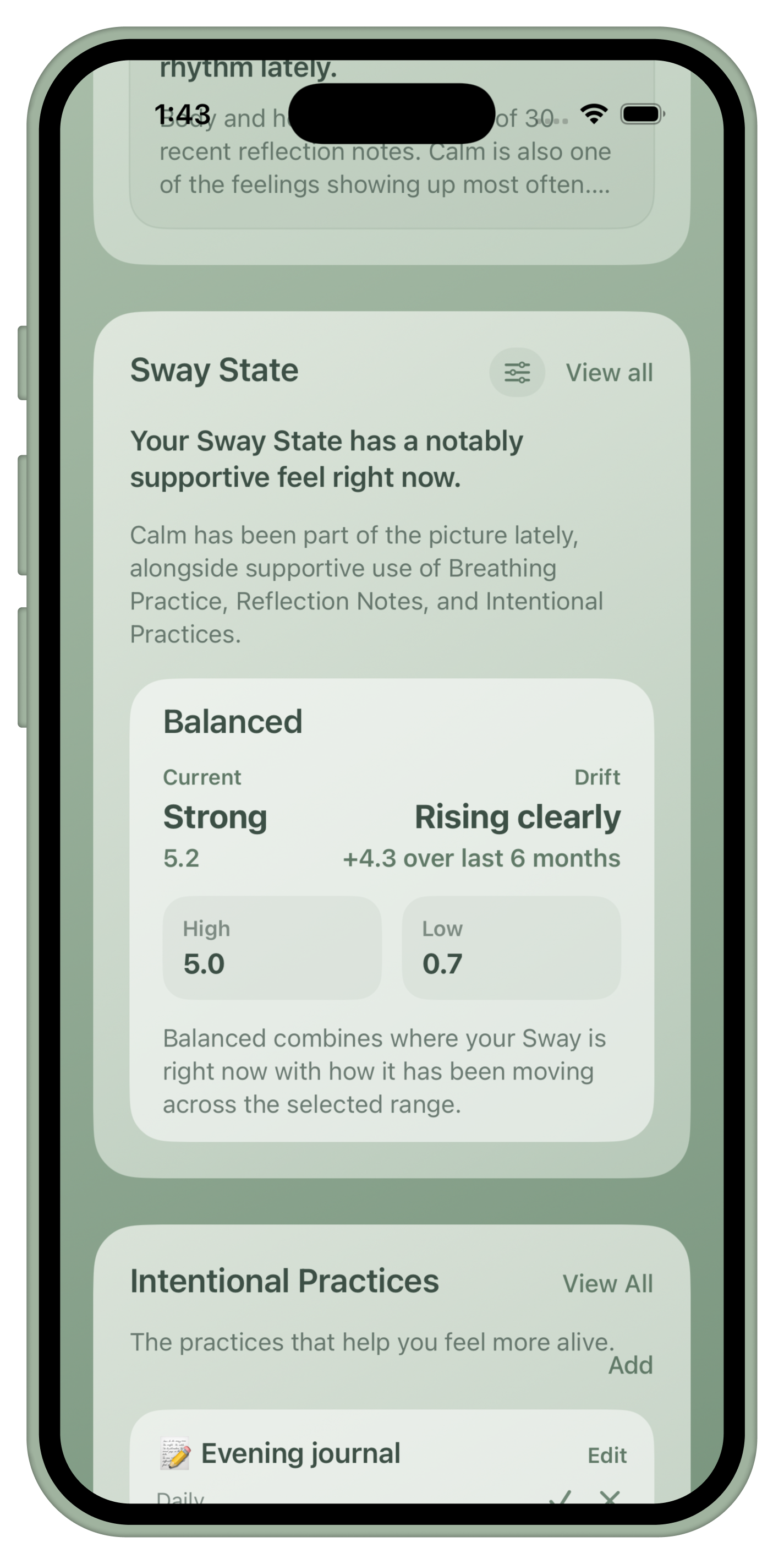
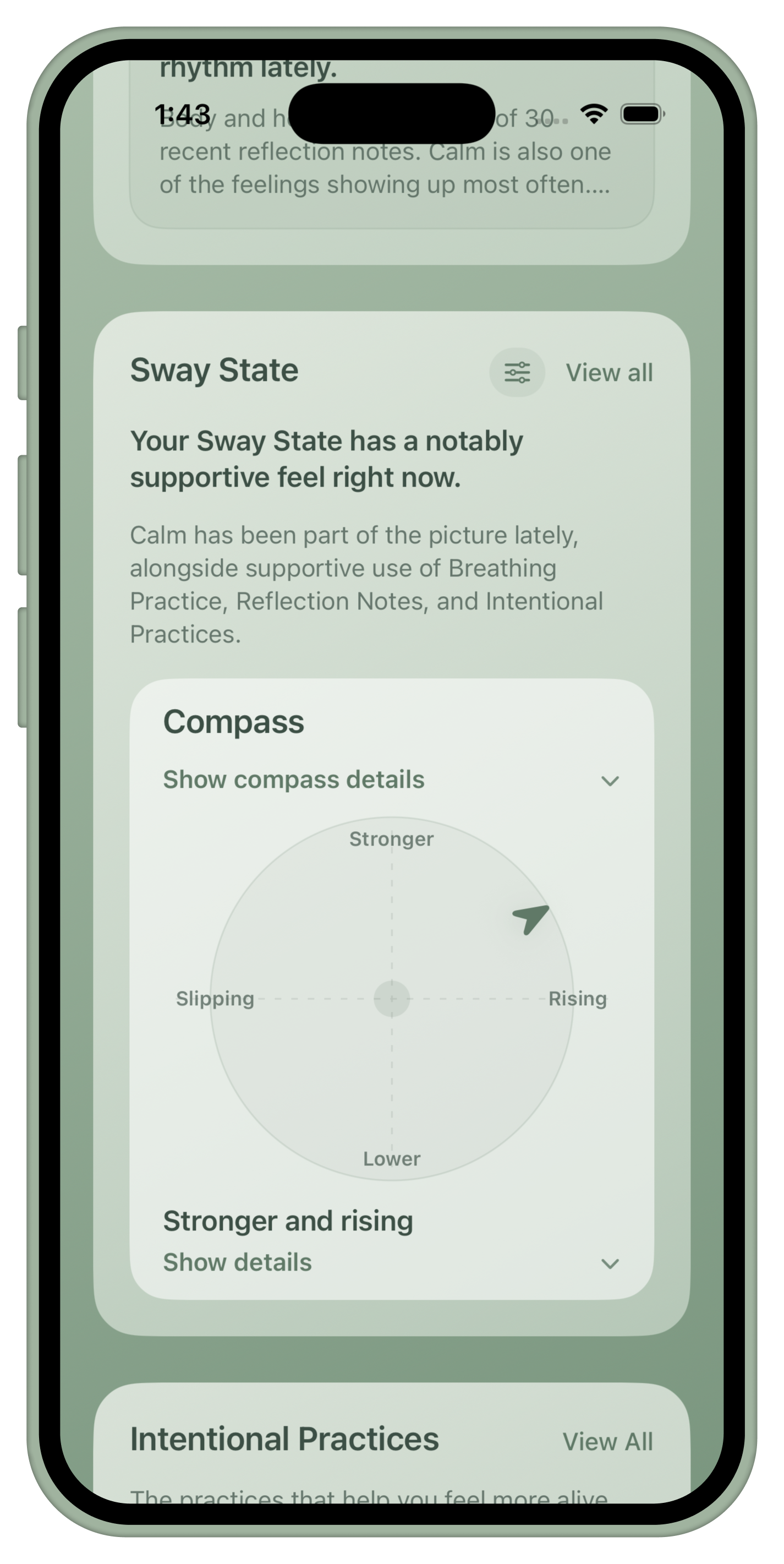
Sway State is a gentle picture of how life has been feeling lately. It is not a grade; it combines practice, reflection, check-ins, and optional Health signals.
Intentional Practices
Small things worth returning to.
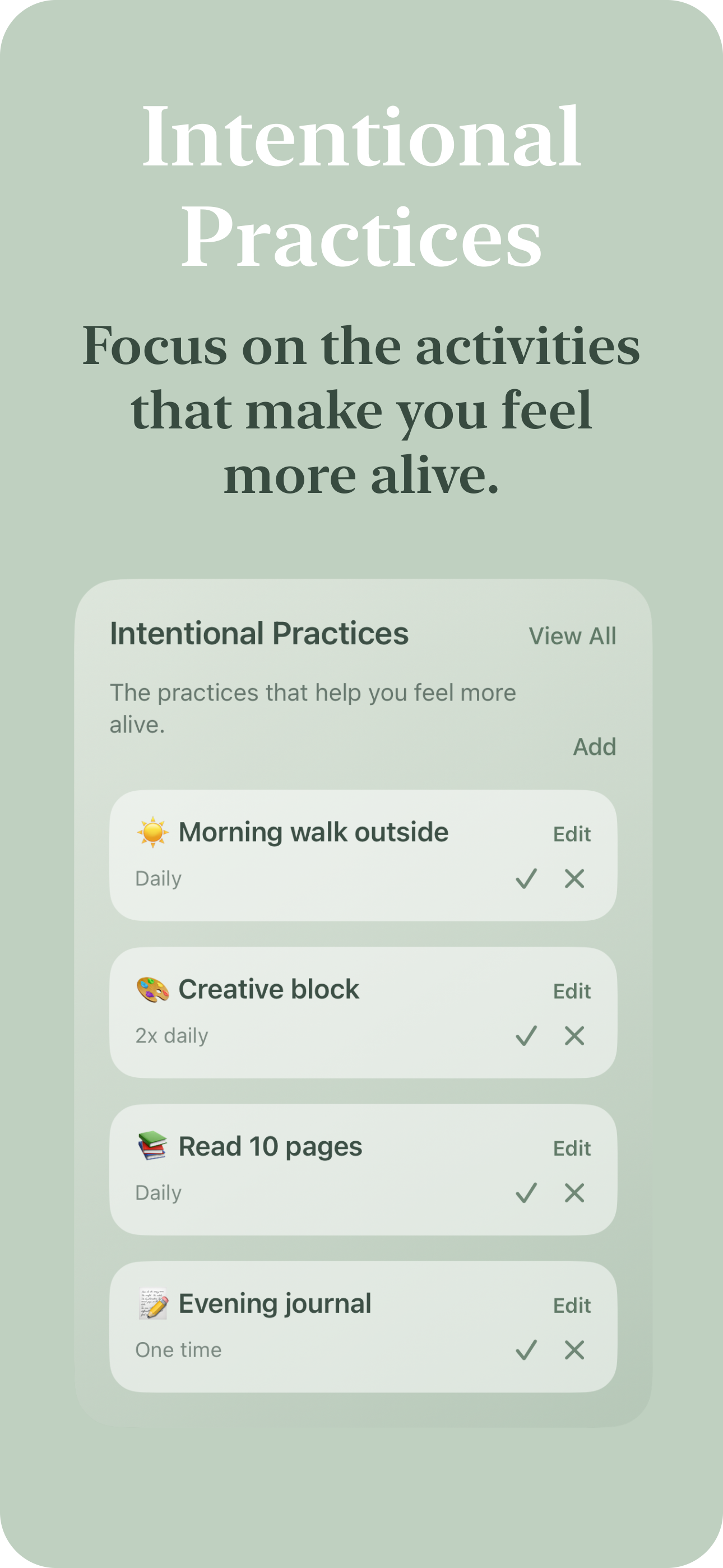
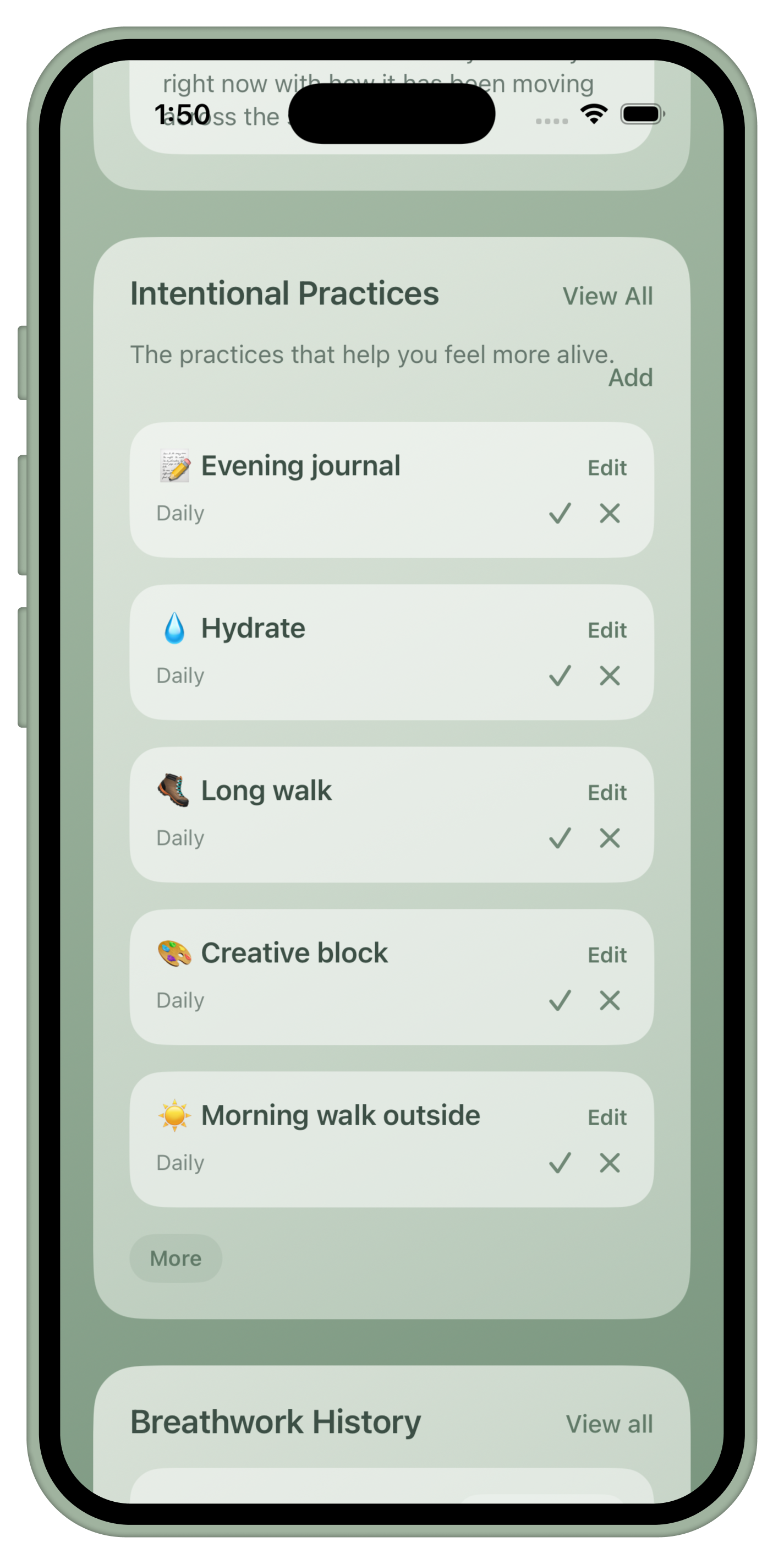
Add the small things you want to return to: reading, music, movement, Reiki, piano, time outside, or anything that supports the life you want to live.
Breathwork History
Progress without pressure.
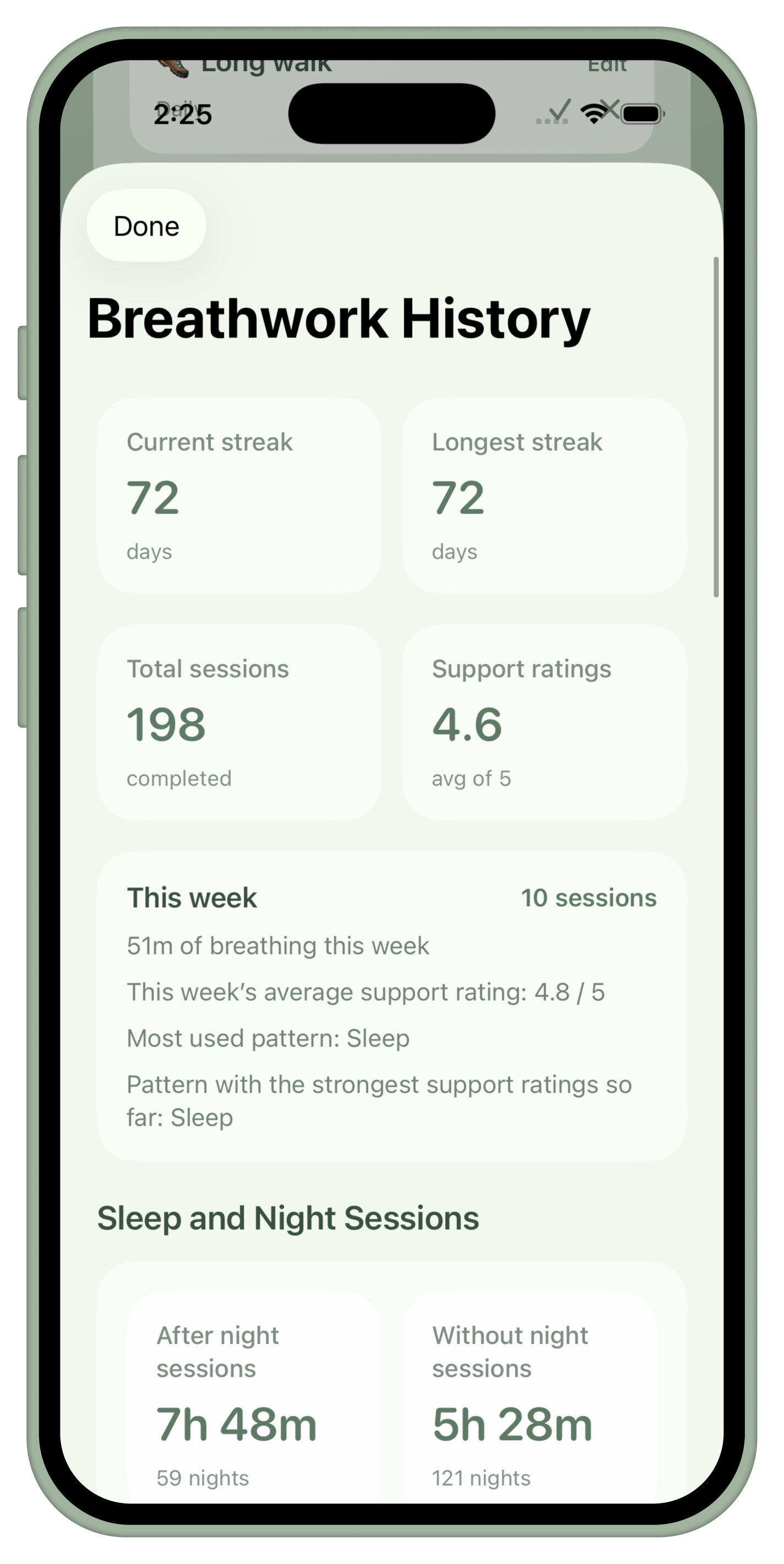
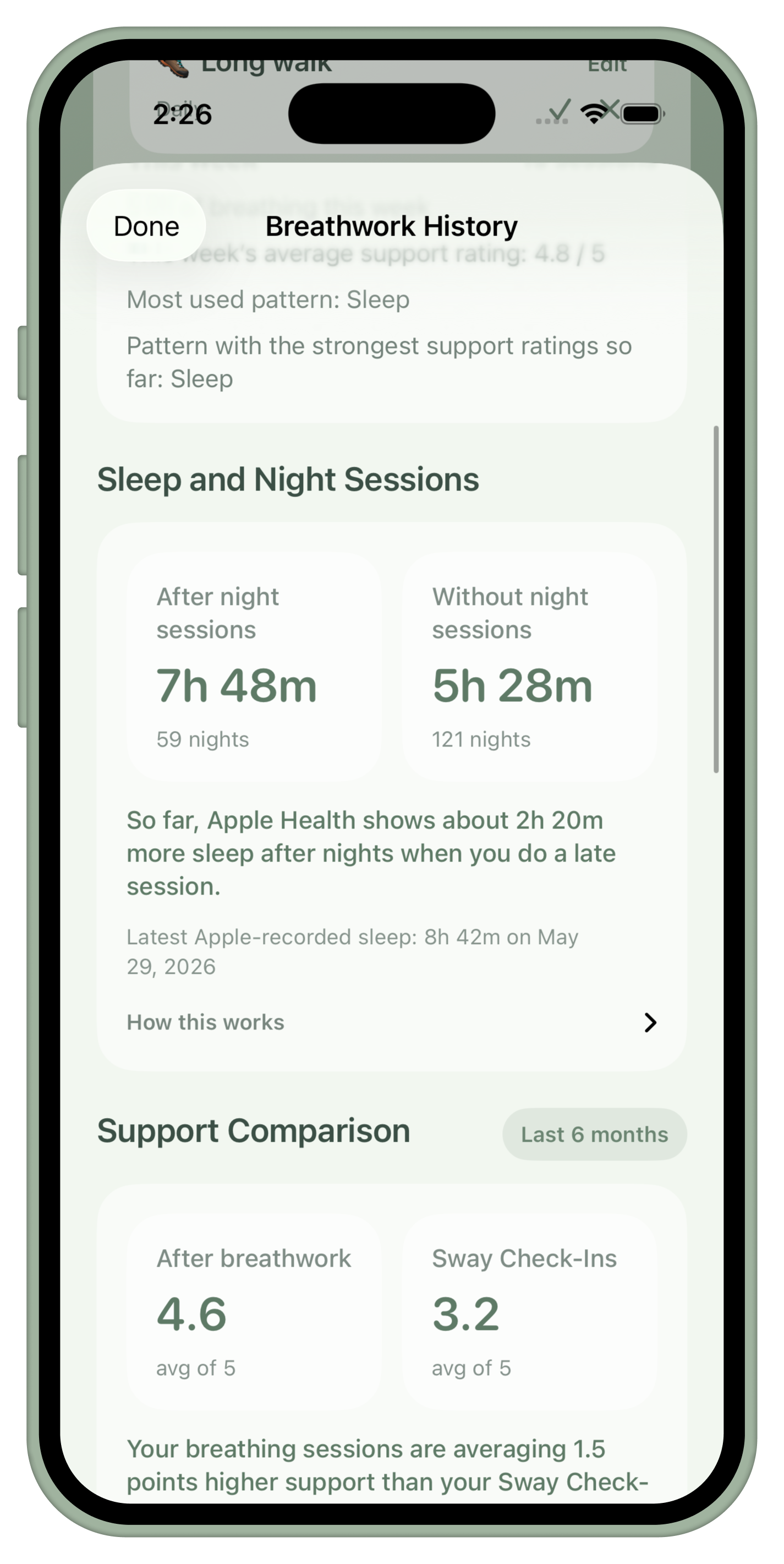
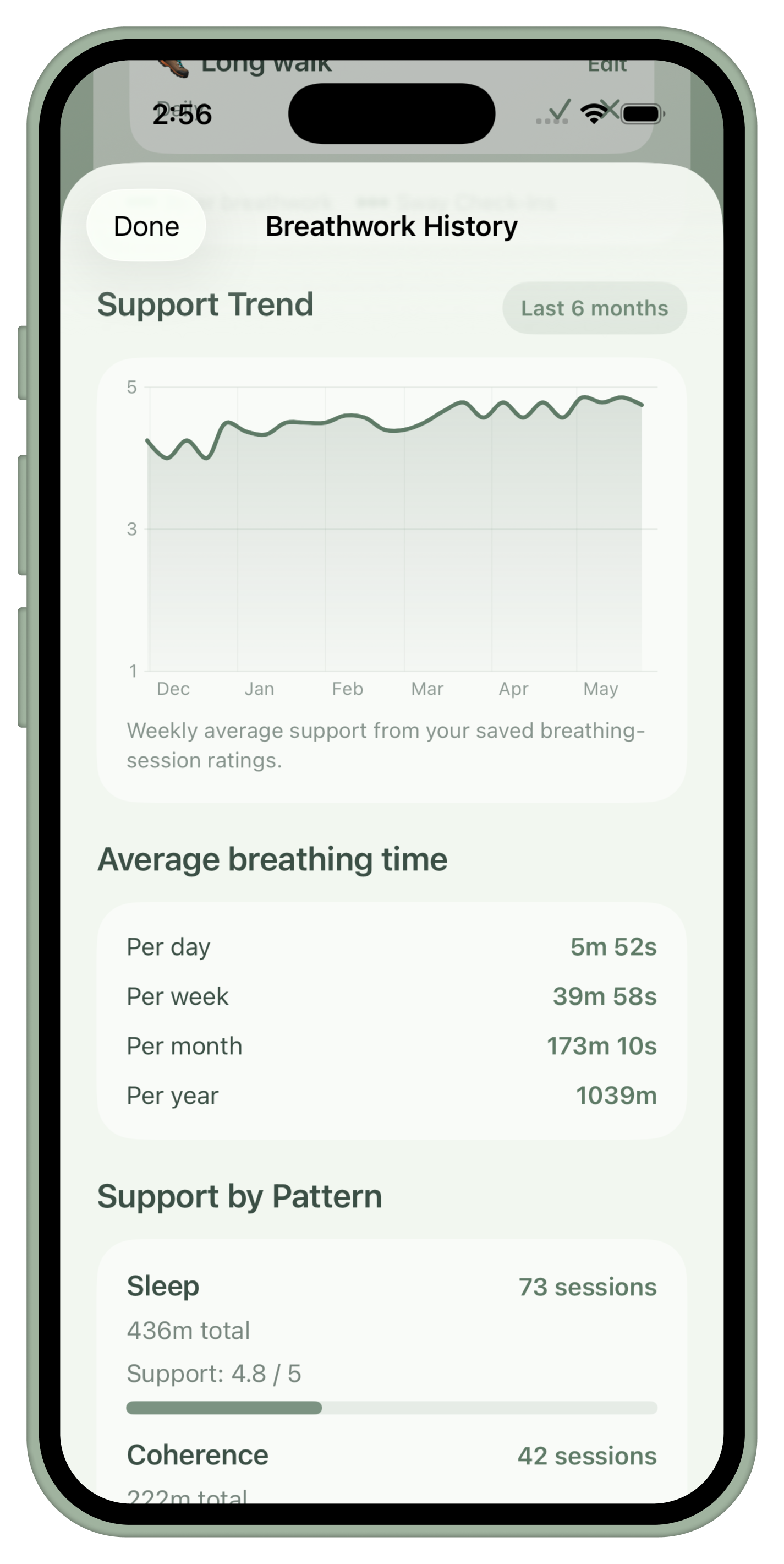
See your sessions, streaks, support trends, favorite patterns, and how your practice changes over time.
Sleep + Apple Health
Optional signals for a fuller picture.
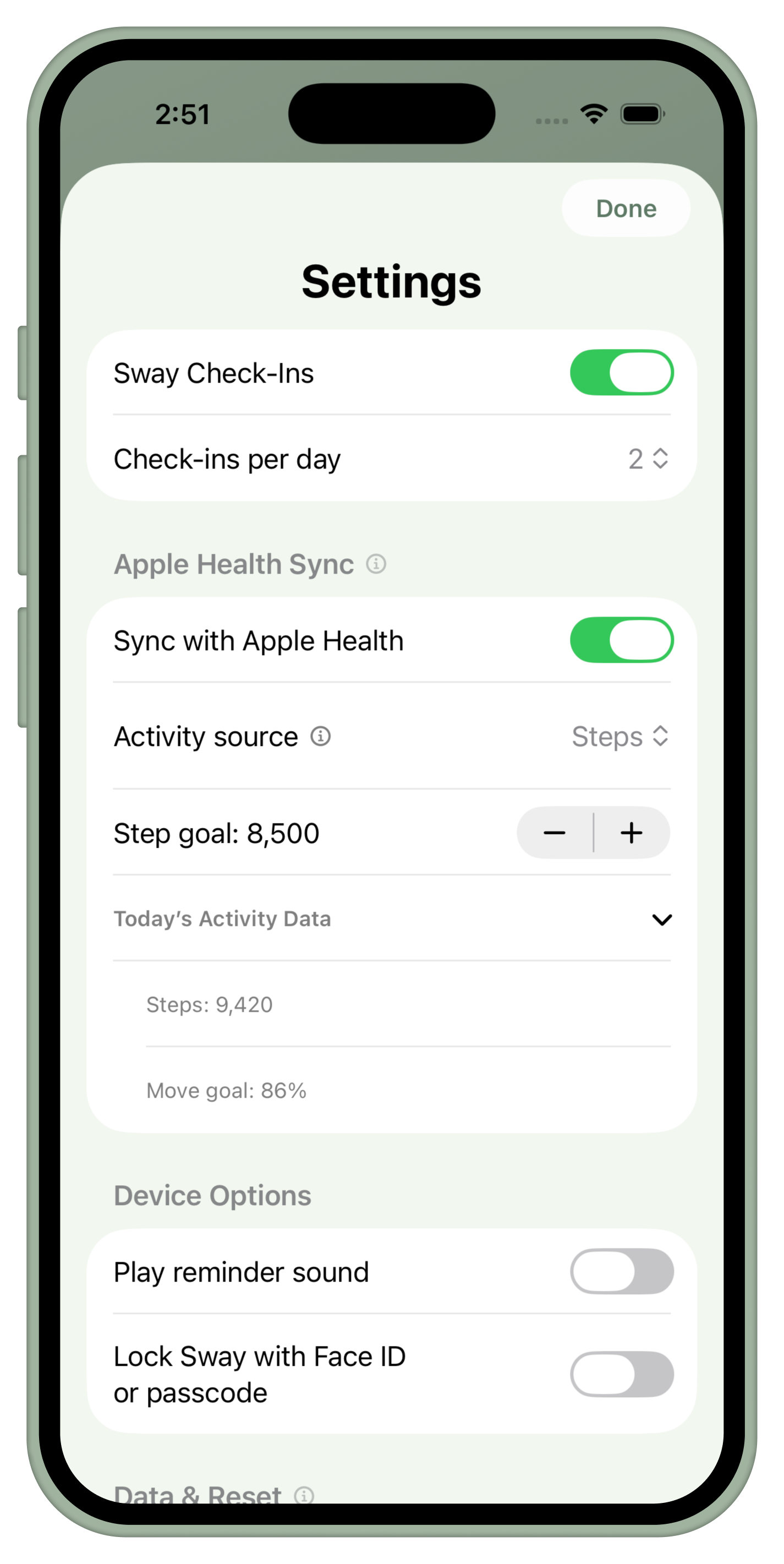
With Apple Health enabled, Sway can save mindfulness minutes and compare supported data like sleep, steps, or Move goal percentage.
Widgets
Keep the practice visible.
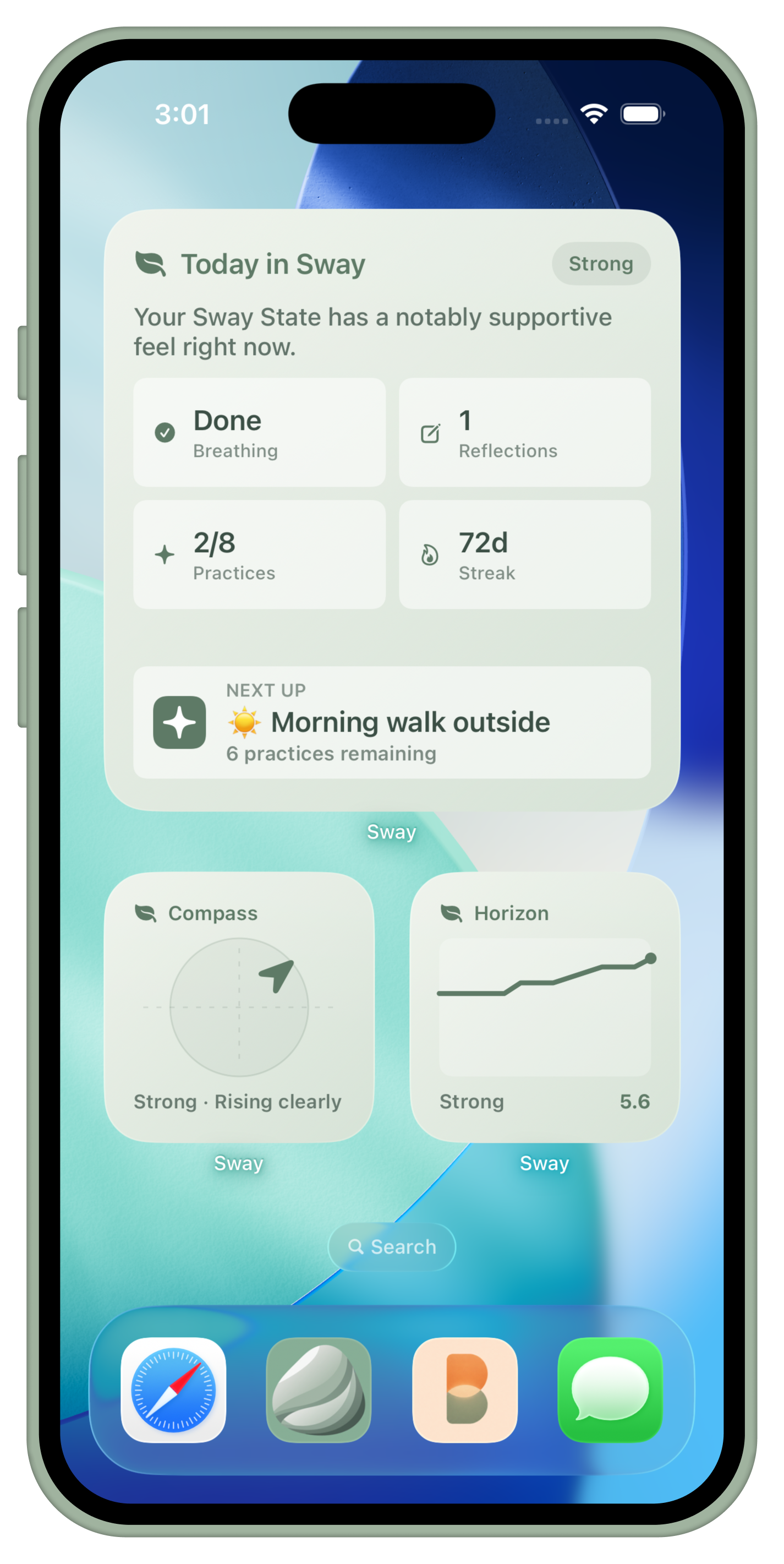
Keep your practice visible with 12 widgets for breathing, Sway State, today's practices, and progress at a glance.
Personalization
Make the app feel like yours.
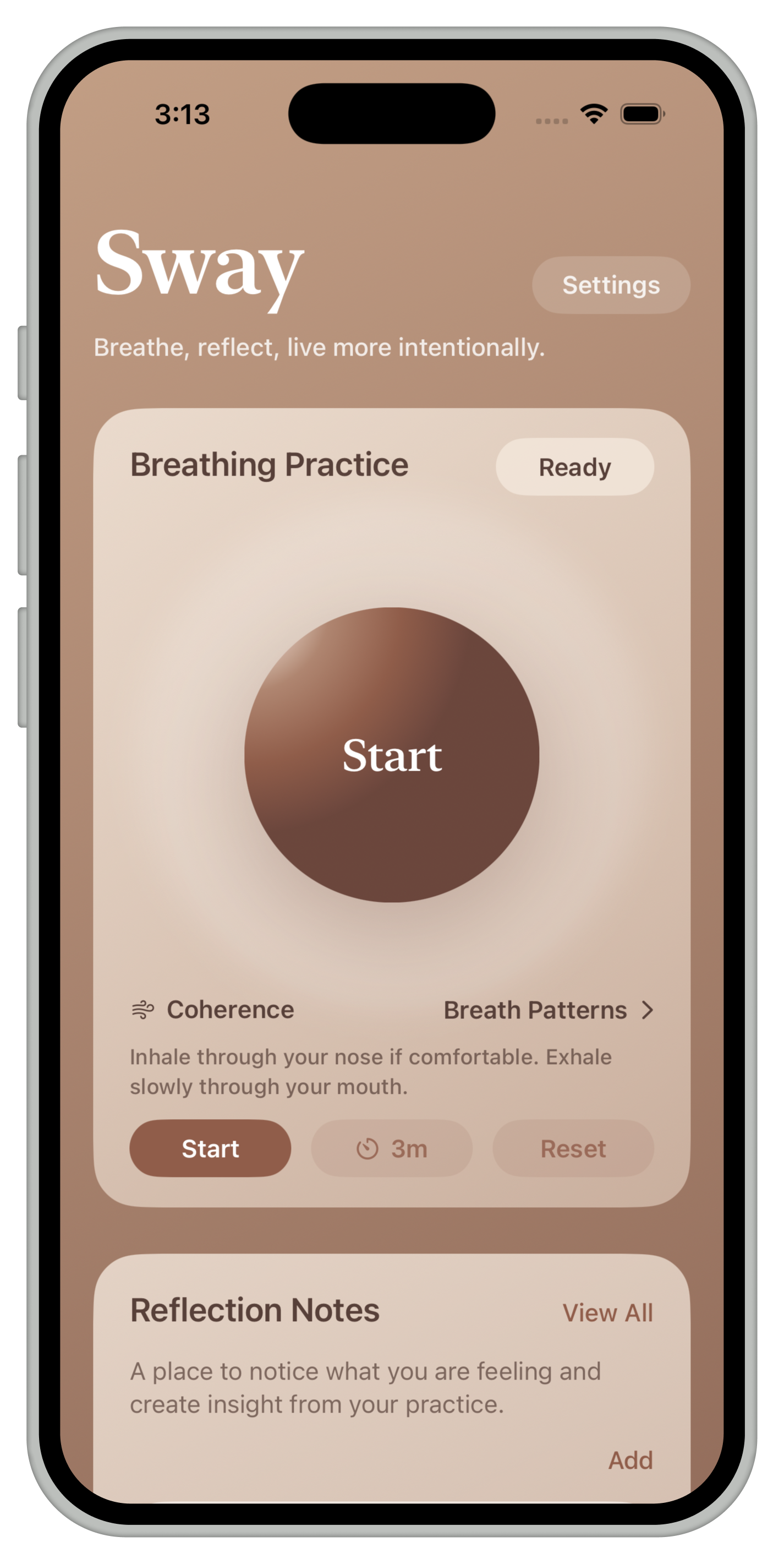
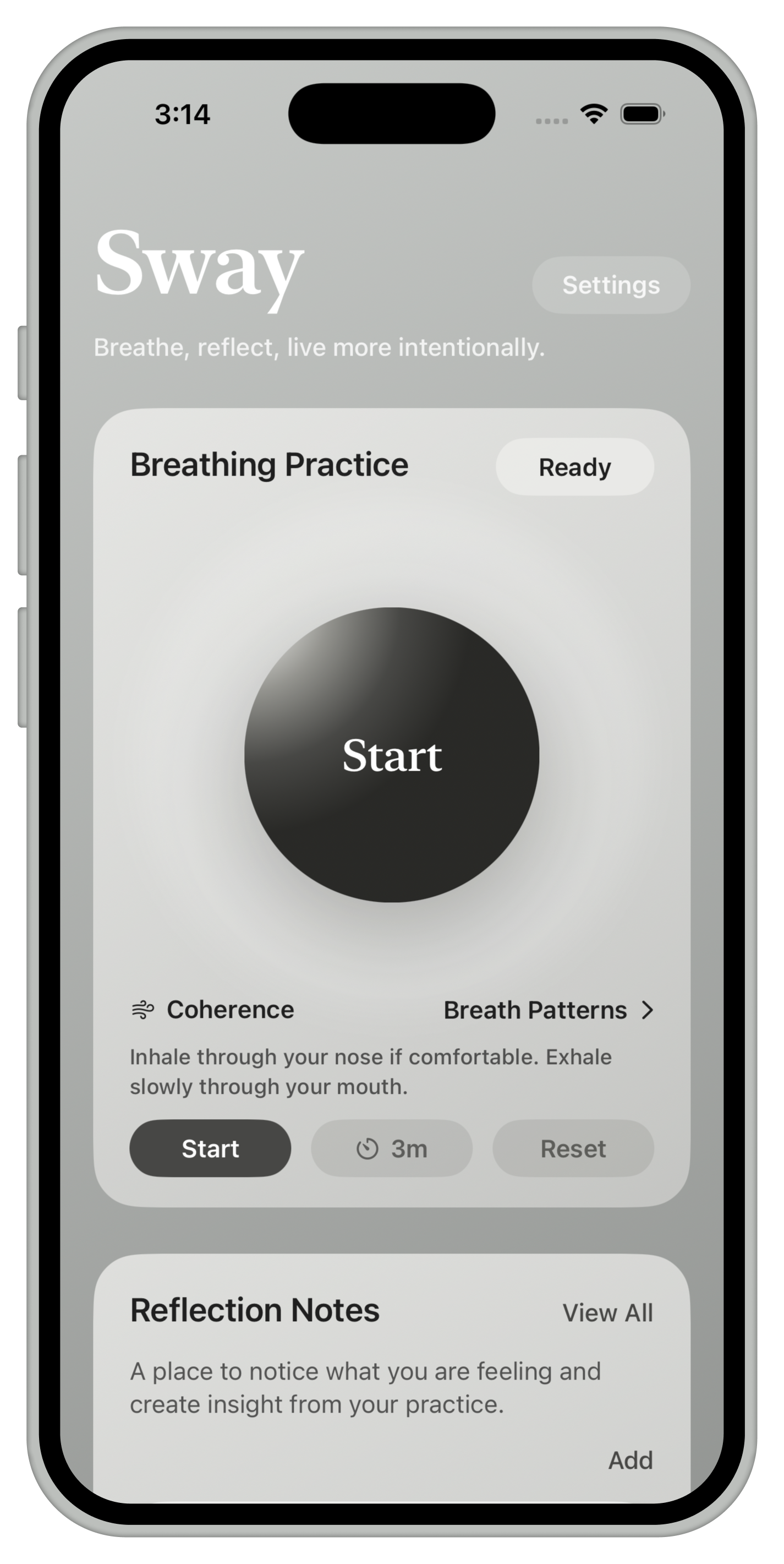
Choose from 10 different theme colors, turn app features on and off depending on how you want the app to work, change the Home card order, turn off Sway State scoring if you do not want it, and explore dozens of other options for truly making the app yours.
Private by Design
A personal app should feel private.
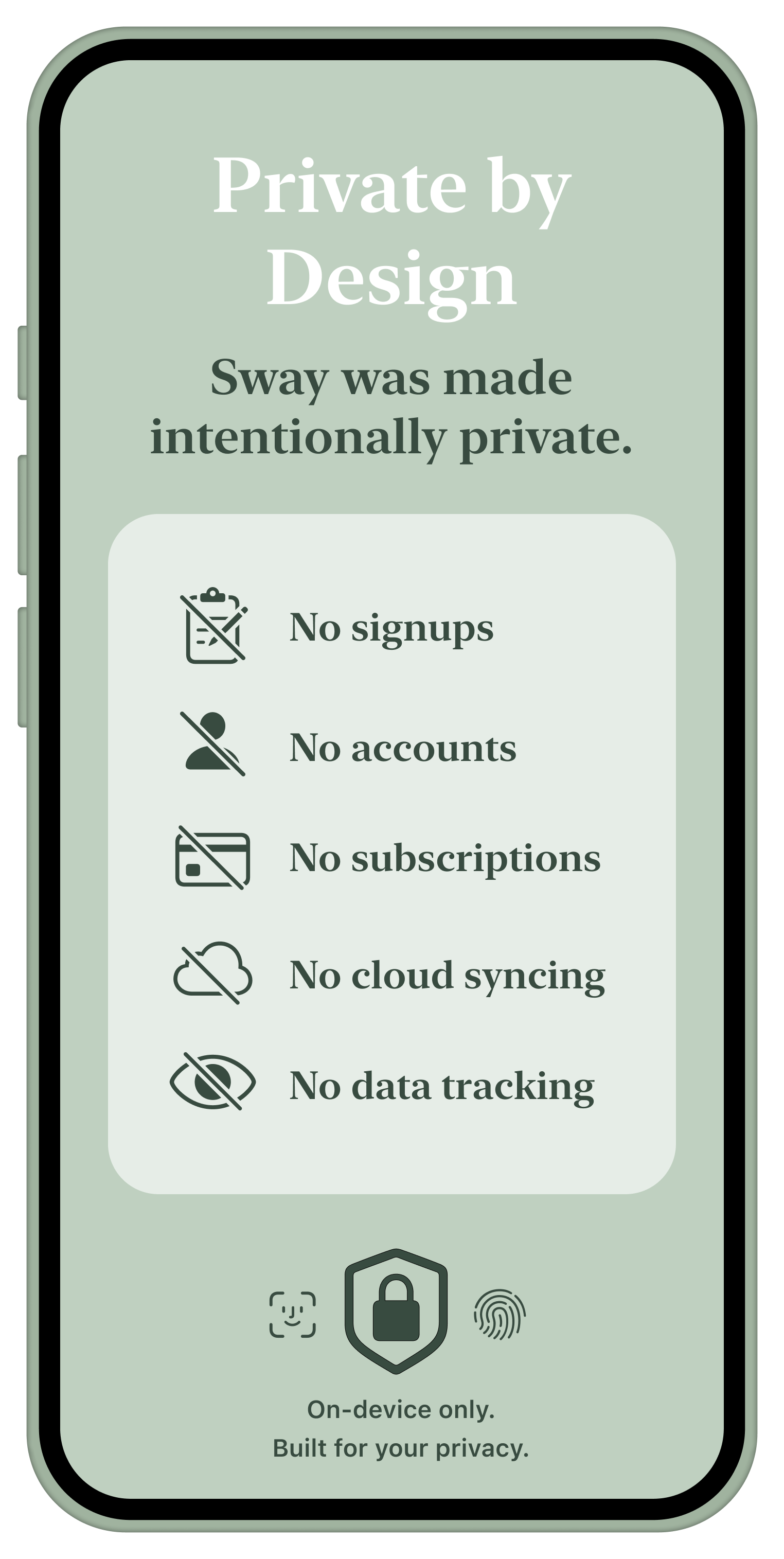
Sway is intentionally simple when it comes to your data. No signups, no accounts, no cloud syncing, and no tracking. What you save stays on your device, so your practice stays personal.